News News Official
Xbox Cloud Gaming now lets some players use a phone as a TV controller, with a second Wi-Fi feature in testing
Xbox Cloud Gaming is testing a way to play on a smart TV without a physical controller. Beginning November 4, 2026, supported Android phones and iPhones can serve as virtual gamepads for compatible television sessions. Microsoft is also introducing Cloud Connect for the Xbox Nano Controller, enabling a direct Wi-Fi connection to cloud gaming servers in a US-only preview.
 By Maëlle
Cloud gaming promises to make dedicated gaming hardware less important. A compatible screen and an internet connection can replace the need for a console, but players have generally still required a physical controller.
Microsoft is now experimenting with two ways to make that requirement less restrictive.
The first introduces a phone-based gamepad for supported smart TVs. The second is designed to improve responsiveness by changing how the Xbox Nano Controller communicates with a cloud gaming session.
Both previews began rolling out on November 4, 2026, according to Xbox Wire. Neither should be mistaken for an unrestricted launch across every Xbox Cloud Gaming device.
Your phone becomes the controller
The smartphone option is intended for situations where a player has access to Xbox Cloud Gaming on a television but no compatible physical gamepad nearby.
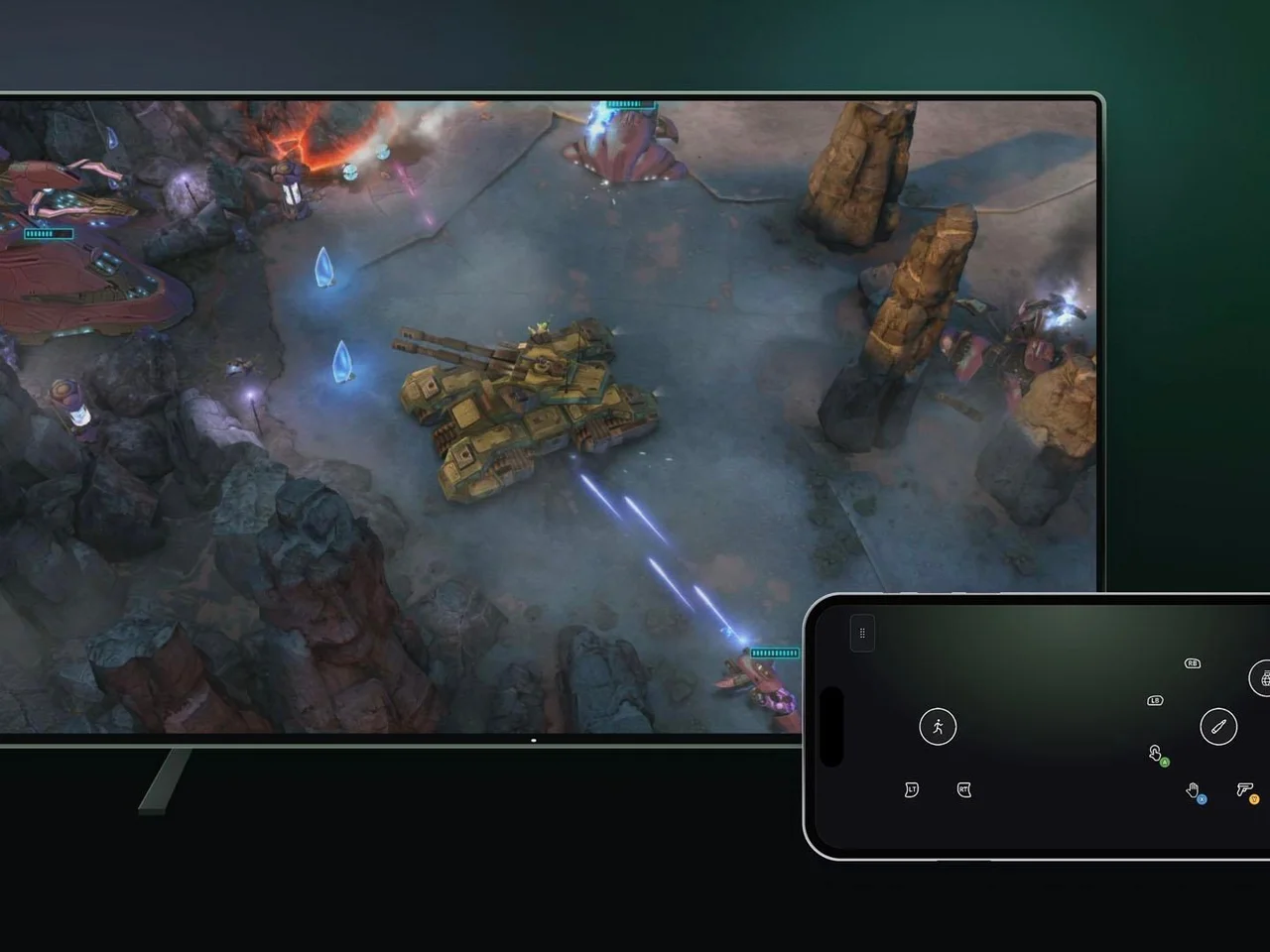
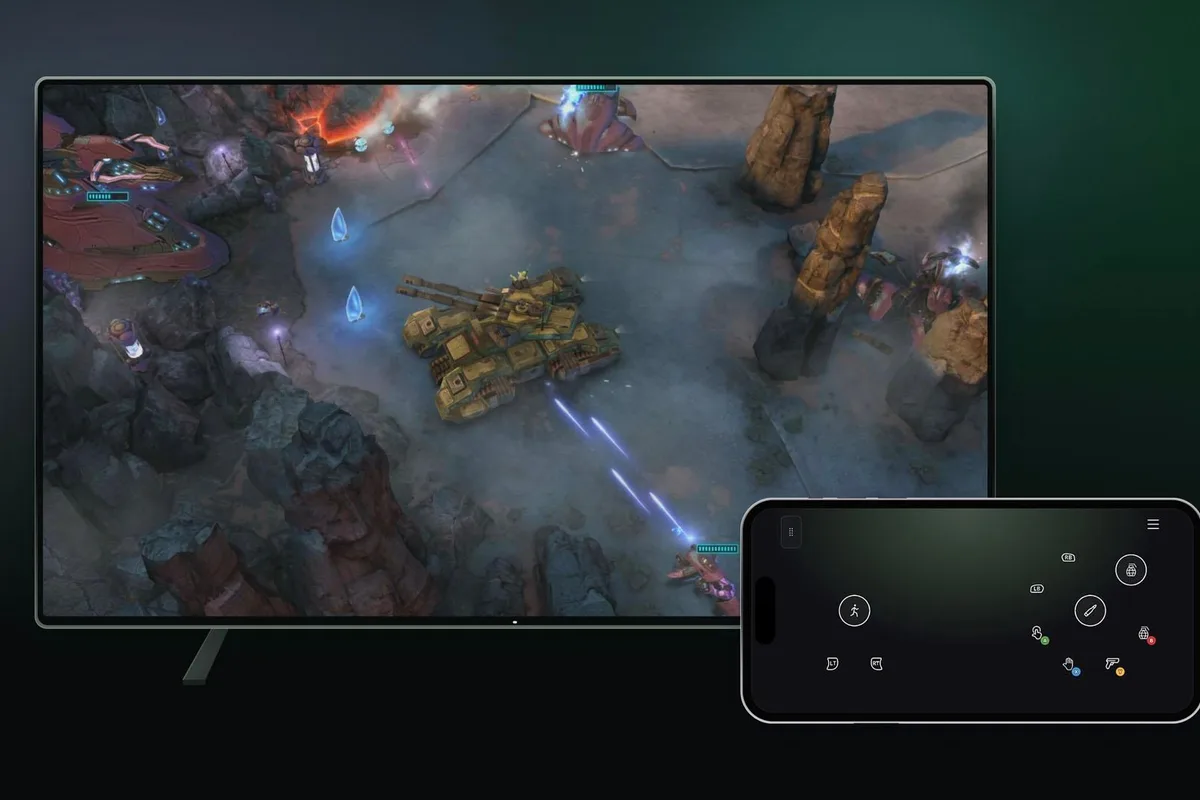
When the feature is enabled, the television can present an option to connect a supported Android or iOS phone.
After scanning the QR code displayed on the television, players can access the controller interface directly through their phone's browser.
No separate controller application is required on the smartphone.
The game continues running through Xbox Cloud Gaming on the television, while touch controls appear on the phone.
Microsoft says some titles will include control layouts specifically designed for the way those games play.
That flexibility is important because a traditional gamepad layout does not always translate well to a touchscreen.
Games requiring rapid simultaneous inputs may still be more comfortable with physical buttons and analog sticks. The phone option is best understood as an additional method rather than a complete replacement for established controllers.
How to enable the smartphone preview
The feature is available through supported smart TV implementations of Xbox Cloud Gaming.
Players need to open the service's settings, navigate to Account and enable Preview Features.
When starting a supported game without an attached physical controller, an option to use a phone may appear.
The television then provides a QR code that connects the phone to the gaming session.
Microsoft says the preview is rolling out in countries where Xbox Cloud Gaming is supported, although compatible devices and games may be limited.
The feature may therefore not appear on every smart TV immediately, even if the television already supports Xbox Cloud Gaming.
The Xbox Nano introduces Cloud Connect
The second announcement concerns Microsoft's recently introduced Xbox Nano Controller.
First detailed in October, the Nano is a compact gamepad with the standard Xbox control layout, a rechargeable battery and a programmable Action Button.
Microsoft describes it as weighing approximately 3.5 ounces and measuring a little more than five inches across.
Its announced US price is $49.99, although pricing and availability differ by region.
The November announcement adds a previously undisclosed capability called Cloud Connect.
Instead of connecting to a television through Bluetooth and relying on the television to forward inputs, the Nano can use Wi-Fi to communicate directly with the server running a supported cloud game.
Microsoft says this approach may make gameplay feel more responsive.
It has not presented the feature as a guaranteed reduction in latency under every network condition.
The potential benefit depends on the network and the rest of the cloud gaming connection, not simply on the controller's wireless technology.
Cloud Connect has a narrower launch
Unlike the smartphone feature, Cloud Connect is initially available only to participating players in the United States.
The preview requires an Xbox Nano Controller and currently supports selected smart TV and browser experiences.
Setup is performed using the Xbox beta app on Android or the Xbox Accessories application on PC.
Players using the PC setup route must enroll in Xbox Insider.
After the controller is connected to Wi-Fi, the player signs into a supported Xbox Cloud Gaming experience with the same account used during setup.
The controller then connects through Cloud Connect for compatible sessions.
Microsoft warns that the functionality does not yet work with every cloud gaming experience.
Availability of the Xbox Nano Controller in other countries should not be confused with availability of this experimental Wi-Fi feature.
Two different solutions to the same problem
The announcements address different parts of the cloud gaming experience.
Smartphone controls reduce the amount of dedicated hardware needed to begin playing on a television.
Cloud Connect focuses on players who prefer physical controls and want potentially more responsive input.
Both fit Microsoft's broader effort to make Xbox games accessible across compatible televisions, computers and other connected devices.
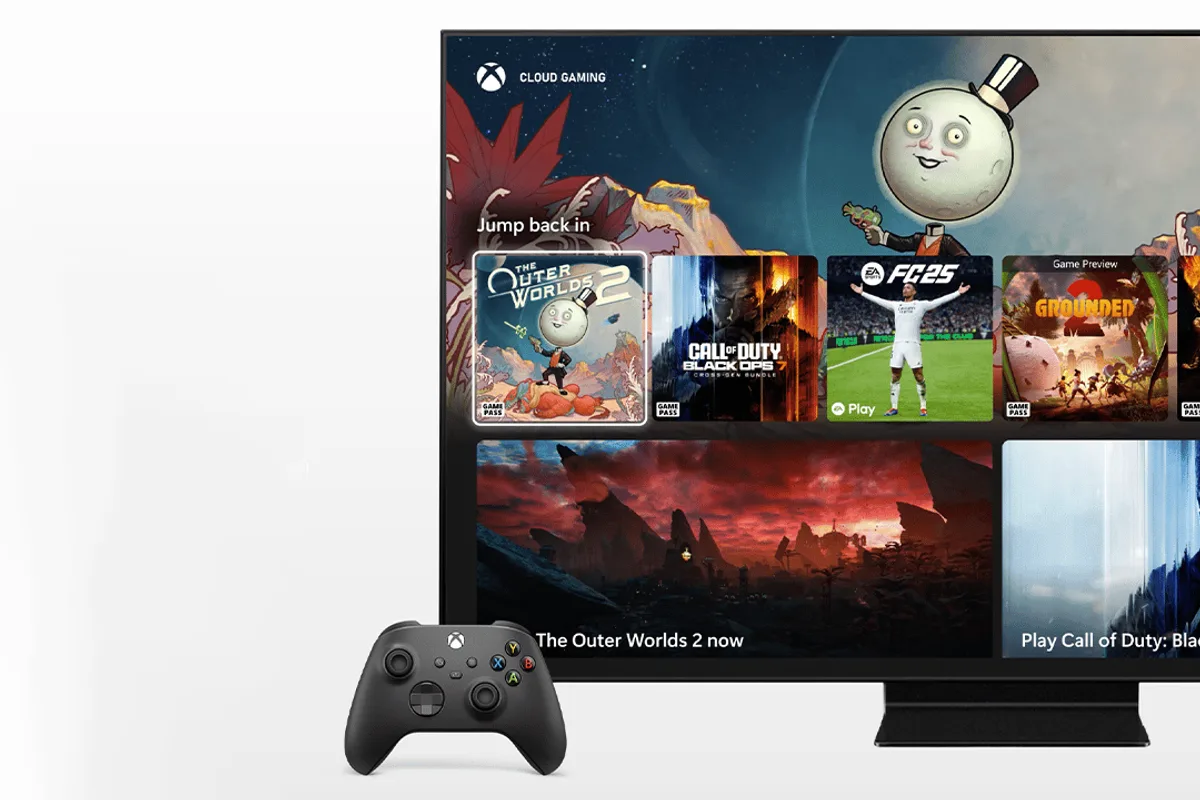
The company has steadily expanded the places where Xbox Cloud Gaming can be accessed, but compatible controllers remain an important practical requirement for many games.
Turning a phone into a controller can remove that barrier for selected experiences.
Allowing a dedicated controller to communicate directly with cloud servers addresses a different limitation: the number of steps between a button press and the game receiving the input.
Microsoft is collecting feedback on both approaches during the preview period.
No general release timetable has been announced for either feature.
For now, players should check their device compatibility and regional availability before assuming that either new control method is supported.